
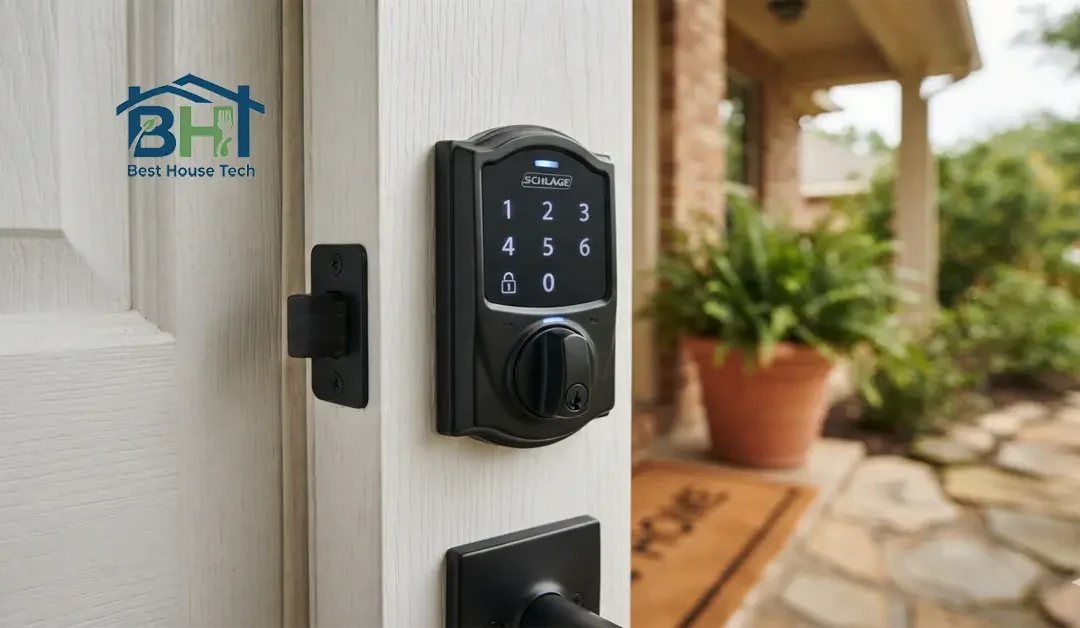
We’ve all been there: you’re coming home after a long day, and suddenly that annoying low-battery beep echoes down the hallway. Or maybe a red light starts flashing at the most inconvenient time. Keeping the battery fresh in your Kwikset smart lock isn’t just about convenience – it’s essential for maintaining security and uninterrupted access to your home. Here’s exactly how to change it, step by step.
Quick Snapshot
- Battery Needed: 4 AA Alkaline batteries
- Tools Required: Phillips screwdriver (not needed on some newer models – see Step 1)
- Average Time Taken: 5–10 minutes
Step-by-Step Guide to Changing Your Kwikset Battery
Step 1 – Identify Your Kwikset Model First
Not all Kwikset locks open the same way, so this step matters more than it looks.
- Models with a screw-on interior cover (SmartCode 910, 888, 620, and similar): you’ll need a Phillips screwdriver.
- Models with a slide-out battery pack (Halo, Halo Touch, Aura, Aura Reach, Halo Select): no screwdriver needed – the battery pack simply slides up and out.
- Models with a lift-up battery door (264 Deadbolt, Powerbolt 2, SmartCode 260): the cover lifts off by hand.
Check your manual or visit the official Kwikset Support Center to locate your specific model number if you’re unsure.
Step 2 – Gather Your Tools
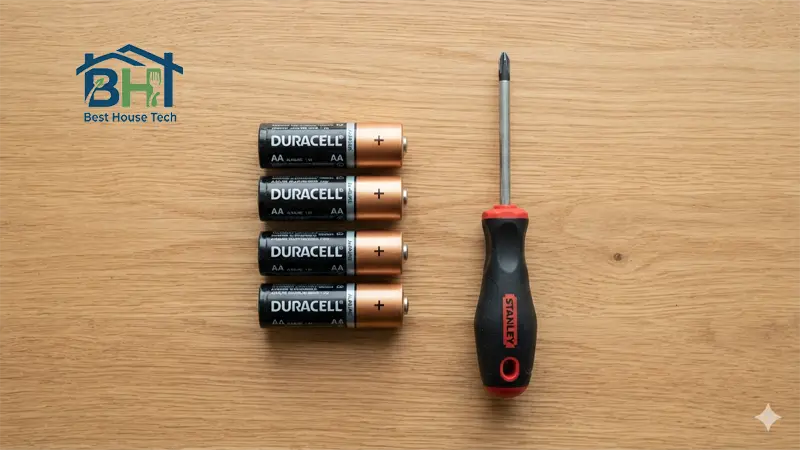
Grab 4 fresh AA alkaline batteries and, if your model needs one, a Phillips screwdriver. Work in a well-lit spot near the door.
Step 3 – Open the Battery Compartment
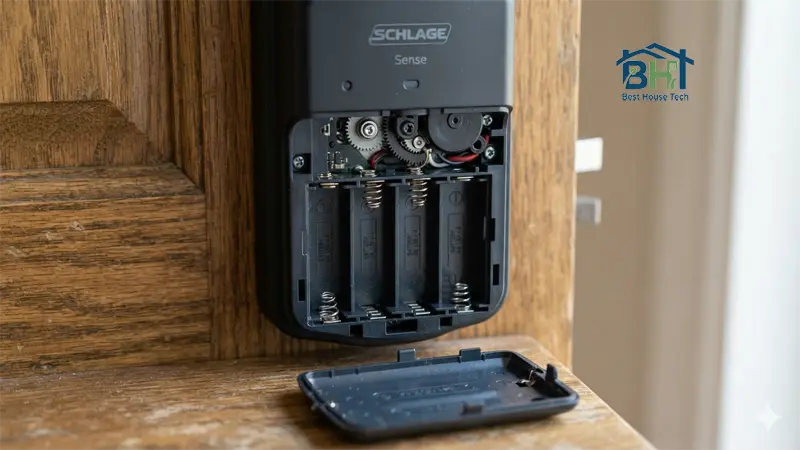
- Screw-on cover models: Locate the two screws on the interior side of the lock and remove them with your screwdriver, then gently lift the faceplate off.
- Slide-out models: Slide the battery pack straight up and out of the lock body.
- Lift-up cover models: Simply lift the small battery cover on the interior panel.
Keep the screws somewhere they won’t roll away.
Step 4 – Remove the Old Batteries
Once the compartment is open, you’ll see the battery pack or tray. Slide out or lift out the old batteries.
Step 5 – Insert the New Batteries
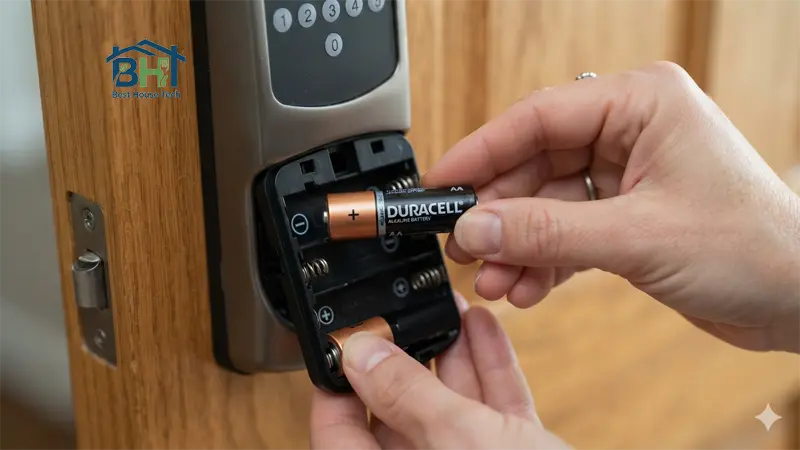
Insert 4 new AA alkaline batteries, matching the positive (+) and negative (–) markings printed inside the tray. Incorrect orientation is the most common reason a lock won’t power on after a battery swap.
Step 6 – Reassemble the Lock
Slide the battery pack back in (or replace the cover and reinsert the screws, depending on your model). You should hear a short beep sequence confirming the lock has power again.
Pro Tip – Stick to Alkaline, Skip Rechargeables
Kwikset specifically recommends standard non-rechargeable alkaline AA batteries for the most reliable performance. Rechargeable (NiMH) batteries output a lower, less stable voltage than alkaline cells, which can cause erratic behavior, inaccurate low-battery warnings, or a lock that won’t respond at all — even when the batteries technically still have charge.
Troubleshooting Common Issues
- Lock won’t turn on: Double-check battery orientation and confirm the batteries are genuinely fresh (test them in another device if unsure).
- Red light won’t go away: If a simple battery swap doesn’t fix it, check out our guide on how to reset a smart lock after a battery change to restore full functionality.
- Lock is unresponsive or codes were wiped: A factory reset may be needed — this varies by model, so check your manual for the exact button sequence.
- Completely dead and won’t open at all: Most keypad Kwikset models let you touch a 9-volt battery to the two contact points below the keypad for emergency power — just long enough to unlock the door and swap the AAs.
How to Extend Your Smart Lock’s Battery Life
- Check door alignment. A misaligned strike plate makes the motor work harder to lock and unlock, which is one of the biggest drains on battery life.
- Use standard alkaline batteries rather than rechargeables, as noted above.
- Turn off lock sounds and LED status in the Kwikset app if you want to squeeze out extra battery life.
- Keep the lock clean and dry, especially heading into winter – moisture and extreme cold can affect performance.
Final Thoughts
Changing the battery in your Kwikset smart lock takes just a few minutes once you know your model type. Stay ahead of that low-battery beep, use quality alkaline batteries, and your lock will keep your home secure and accessible for months at a time.