
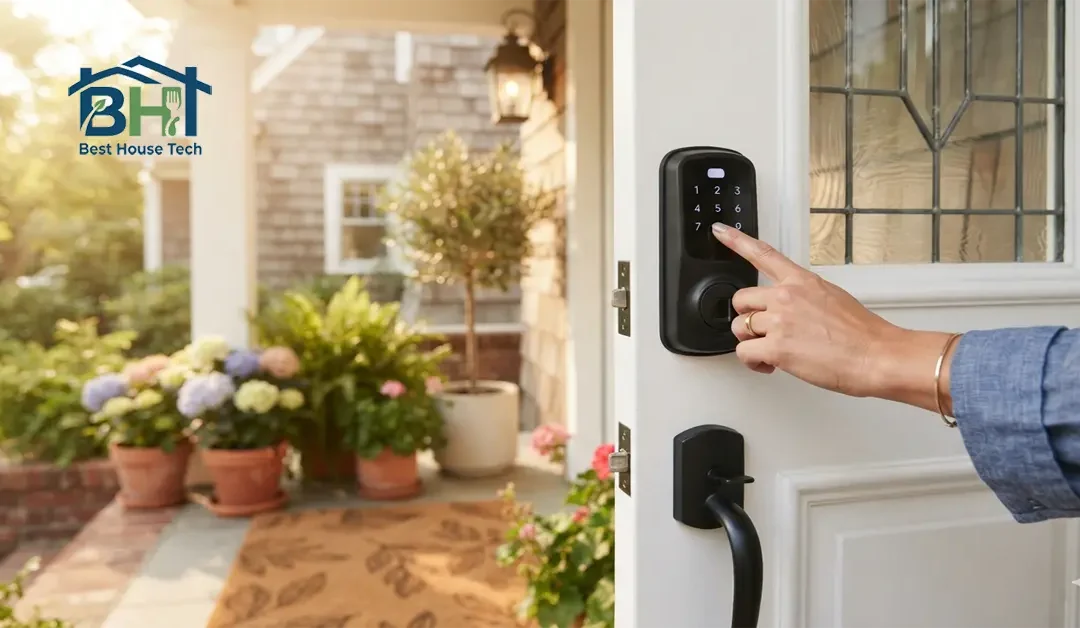
You’ve loaded the kids into the car, grabbed your morning coffee, and pulled into traffic—only to be struck by that sudden, sinking feeling: Did I lock the front door? If you’re standing on your porch or already halfway down the street with a Eufy smart lock installed, locking up should take less than three seconds. Here’s exact step-by-step guidance on how to lock your Eufy smart lock from the outside using four quick, reliable methods.
Why You Need Quick Ways to Lock Your Eufy Lock from Outside
Smart locks are meant to make life easier, but fumbling with an app while holding three bags of groceries defeats the purpose. Knowing every option available to secure your door from the exterior ensures you’re never left guessing whether your home is safe.
Whether you’re dashing off to work, letting out-of-town guests lock up behind themselves, or managing a rental property, having multiple ways to lock your Eufy smart lock remotely or physically at the door gives you complete peace of mind.
Here are the four tested methods to secure your front door from the outside, ranked from fastest to most flexible.
Use the Keypad to Lock the Door (Fastest at the Door)
If your Eufy model has a physical keypad or touchscreen — like the Eufy Security Smart Lock Touch & Wi-Fi or a Video Smart Lock — you don’t even need your phone to lock the door behind you. There are two quick ways to do it right at the keypad:
Option A — One-Touch Locking (no passcode needed):
- First, make sure One-Touch Locking is turned on inside the Eufy Security app (Settings > Lock Settings).
- Close the door completely and make sure the latch lines up cleanly with the strike plate.
- Tap the keypad to wake it up, then press and hold the Lock/Cancel button (usually marked with an X — some newer models use a padlock icon instead, so check your specific model in the Eufy Support Help Center) for about two seconds.
- Listen for the confirmation beep and watch for the light to flash, confirming the deadbolt has engaged.
Option B — Lock with your passcode:
- Tap the keypad with your palm to wake it up.
- Enter your passcode.
- Press the Check (✓) button to confirm.
- The deadbolt will lock automatically once the code is verified. If you’d rather skip the passcode altogether, most Eufy models also let you unlock and lock the door with just your thumb. Check out our guide on how to add a fingerprint to your Eufy smart lock for a fully keyless setup.
Pro Tip
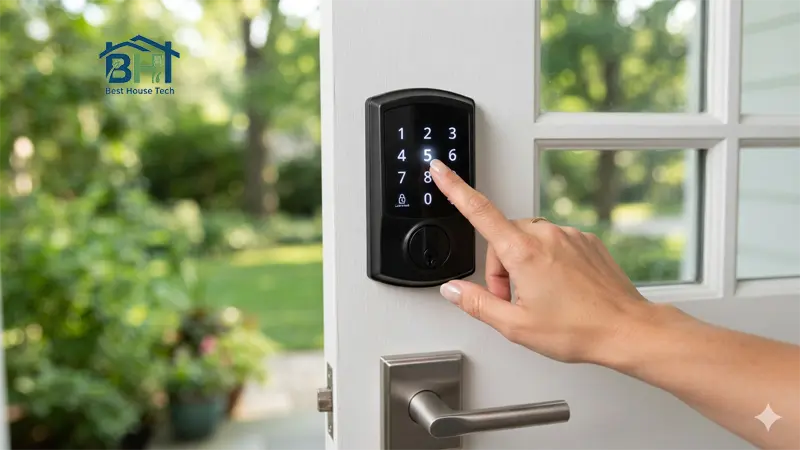
The first time I tried this, I fumbled with the app for a second before realizing I could just tap in my code and hit the Check button — no phone needed. It’s by far the fastest option when your hands are full.
Method 2: Set Up the Eufy Auto-Lock Feature (Hands-Free)
The easiest way to lock a Eufy smart lock from outside is to let the lock do it for you automatically. The auto-lock feature uses a built-in sensor or timer to extend the deadbolt as soon as the door shuts.
How to Enable Auto-Lock in the App
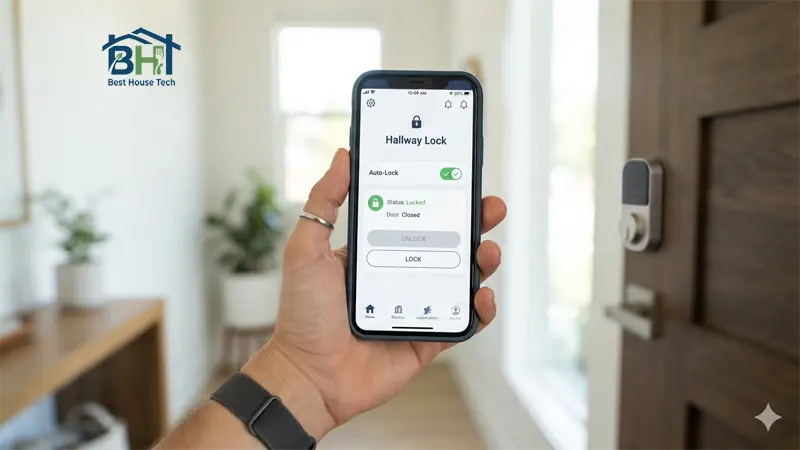
- Open the Eufy Security App on your iOS or Android phone.
- Select your front door lock from the device list and tap the Gear icon (Settings) in the top right corner.
- Tap Lock Settings, then select Auto-Lock.
- Toggle the switch to ON.
- Set your preferred delay (for example, 30 seconds, 1 minute, or 3 minutes).
If your model includes a door sensor, calibrate it during setup so the lock knows the exact moment the door closes before triggering the deadbolt. This helps prevent the bolt from firing while the door is still open, which can damage your door frame trim over time.
Method 3: Lock Your Eufy Smart Lock Remotely via the App
When you’re already in your car or at the office, you can lock your Eufy smart lock remotely using the mobile app. As long as your lock is connected to Wi-Fi — either directly or through the Eufy Wi-Fi Bridge or HomeBase — you have full remote control from anywhere you have a signal.
How to Lock Remotely
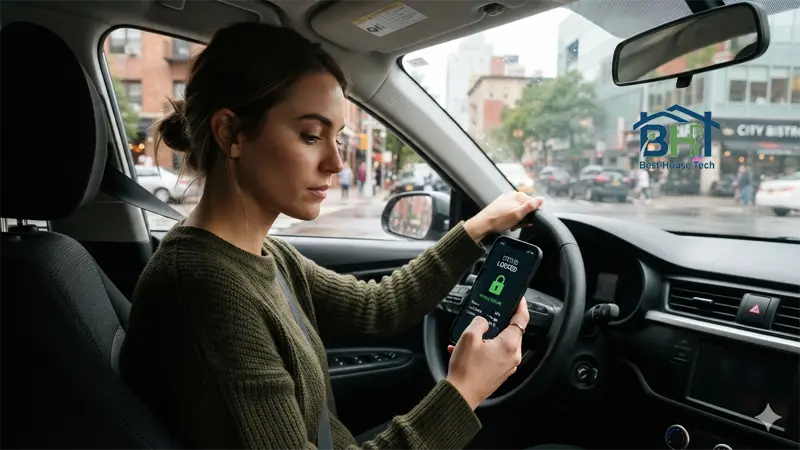
- Launch the Eufy Security App.
- Locate your smart lock on the home screen dashboard.
- Press and hold the central Lock icon for about two seconds until the status updates.
- Check the status label under the icon — it will switch from “Unlocked” to “Locked” in real time.
This method works anywhere your smartphone has an active cellular or Wi-Fi connection, which makes it the most flexible option if you’re already out the door and can’t remember whether you locked up.
Method 4: Use Voice Commands (Alexa or Google Assistant)
If you’re walking out to the garage with your hands full of sports gear, you can lock your door hands-free using a connected smart home ecosystem.
For Amazon Alexa:
- Say: “Alexa, lock the front door.”
- Alexa will relay the command through the Eufy skill and confirm once the lock engages.
For Google Assistant:
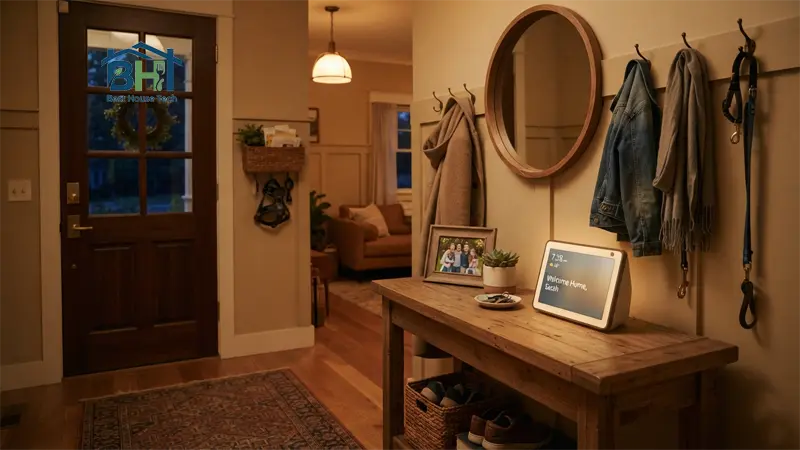
- Say: “Hey Google, lock the front door.”
- Google Assistant will issue the command and give an audio confirmation once the deadbolt extends.
To set this up, link your Eufy Security account inside the Amazon Alexa or Google Home app under the Skills / Smart Home Integrations section.
Troubleshooting Exterior Eufy Locking Problems
If your Eufy lock won’t engage when you try to lock it from the outside, don’t panic. These fixes resolve most issues in minutes:
- Deadbolt Jamming: If the lock beeps rapidly and the light flashes red, the bolt is likely hitting the strike plate. Seasonal temperature changes can shift door alignment slightly, so check for that or clear any debris from the strike plate hole.
- Keypad Unresponsive: If pressing the lock button does nothing, check the battery level in the Eufy app first — low battery voltage typically weakens motor force before the lock dies completely. If it’s time for a replacement, our step-by-step battery replacement guide walks you through the process.
- Device Shows Offline in App: If the app says “Device Offline” when you try to lock it remotely, make sure your Wi-Fi Bridge or HomeBase is powered on and within a reasonable range of your lock and router.
- Auto-Lock Not Triggering: Re-calibrate the door sensor inside the app under Settings > Lock Calibration.
Frequently Asked Questions
Can you lock a Eufy smart lock manually from the outside with a key?
On models that include a hidden physical keyway (usually under a small cover near the keypad), yes — if the battery dies completely, you can use the physical key provided in the box to lock or unlock the door manually. Not every Eufy model includes this backup keyway, so check your specific lock’s manual.
How do I know if my Eufy lock is locked when I’m away from home?
Open the Eufy Security app. The main dashboard shows the real-time status of your deadbolt (Locked or Unlocked). You can also enable push notifications under Settings > Notifications so your phone alerts you every time the door locks or unlocks.
Does the Eufy smart lock lock automatically when you close the door?
Only if you’ve enabled the Auto-Lock feature inside the Eufy Security app. You can set the delay timer anywhere from a few seconds up to a few minutes after the door closes, depending on your model.
Wrapping Up
Locking your Eufy smart lock from the outside doesn’t have to be complicated. Whether you prefer tapping the keypad as you walk out, setting up auto-lock for total automation, or checking the app while pulling out of the driveway, Eufy gives you plenty of reliable options. Set up auto-lock today, test out the keypad shortcut, and stop worrying about whether you locked the front door.
Meta Description (under 155 characters): Learn how to lock a Eufy smart lock from outside using the keypad, app, auto-lock feature, or voice commands — plus quick troubleshooting tips.